
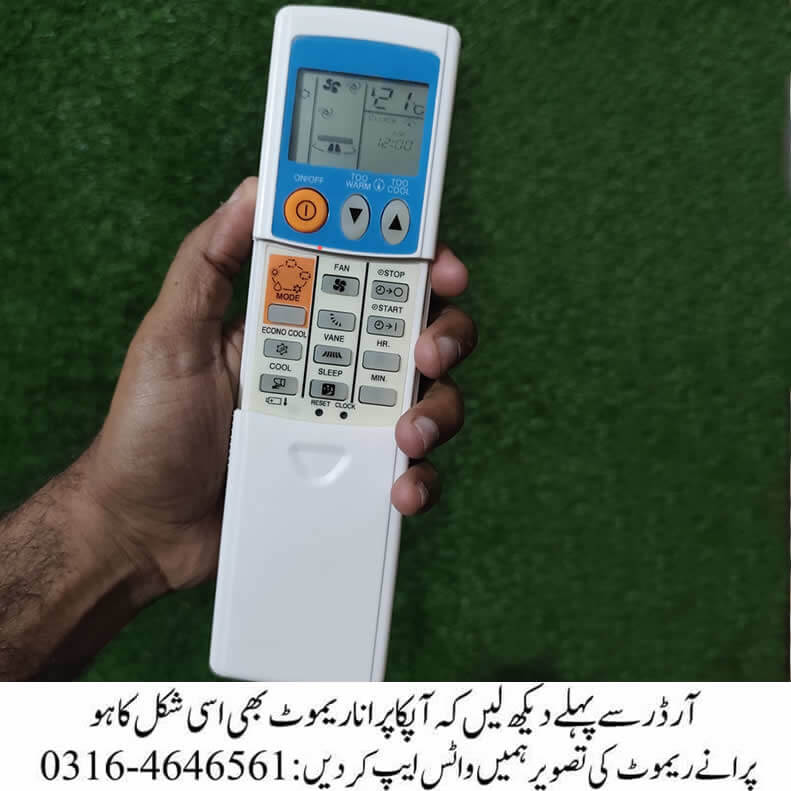
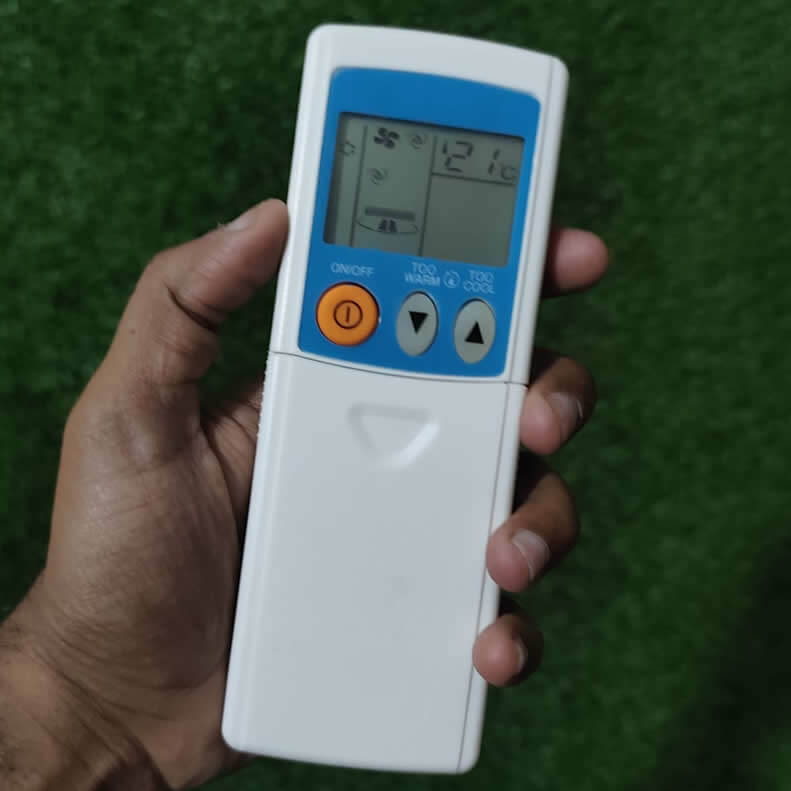
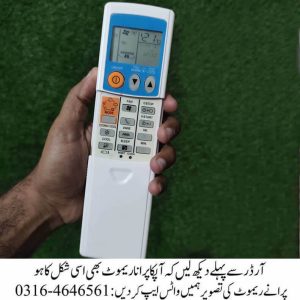
The remote is supposed to give you control over your air conditioner’s performance. With its clear LCD display, and specialized function buttons, it ensures effortless cooling, heating, and energy management.=
Note: Heating only works if your AC is made for it.
Design & Display
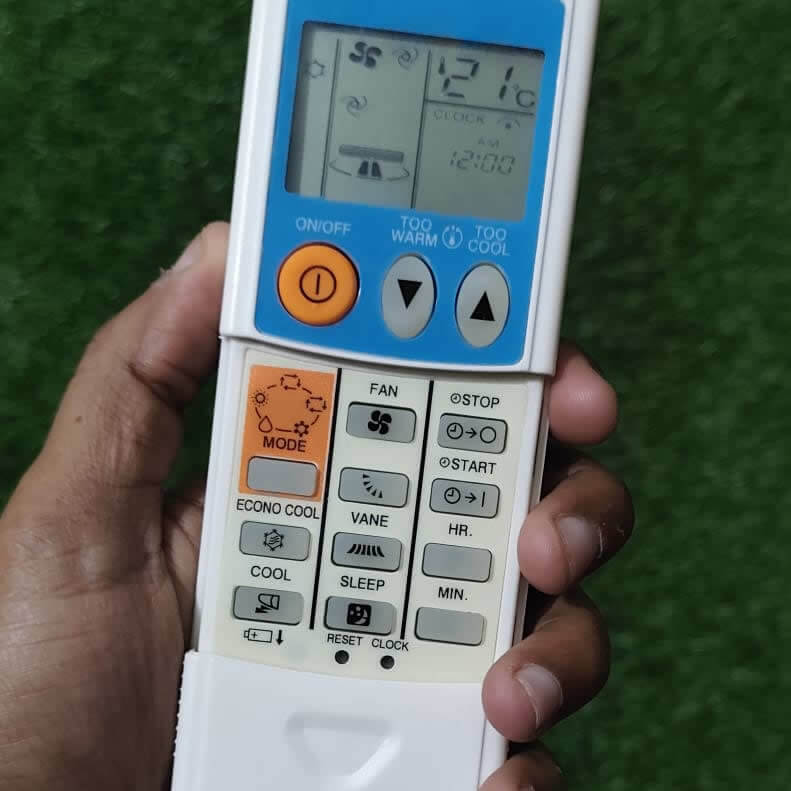
- LCD Screen: Displays temperature, modes etc.
- Dedicated Buttons: Includes ON/OFF, MODE, FAN, ECONO COOL, VANE, SLEEP, STOP, START, HR, MIN, and RESET CLOCK.
- Quick Adjust: “TOO WARM” and “TOO COOL” buttons for instant temperature fine-tuning.
Functional Highlights
| Button / Feature | Function | Ideal Use |
|---|---|---|
| ON/OFF | Powers the AC unit | Daily operation |
| MODE | Switch between Cool, Heat, Dry, Fan | Seasonal adjustments |
| FAN | Control fan speed | Customize airflow |
| ECONO COOL | Energy-saving cooling | Long hours of use |
| VANE | Adjust airflow direction | Targeted cooling |
| SLEEP | Sleep mode | Night comfort |
| STOP/START | Timer scheduling | Pre-cooling or timed shutdown |
| TOO WARM / TOO COOL | Quick temperature tweaks | Instant comfort |
| RESET CLOCK | Adjust internal clock | Accurate scheduling |
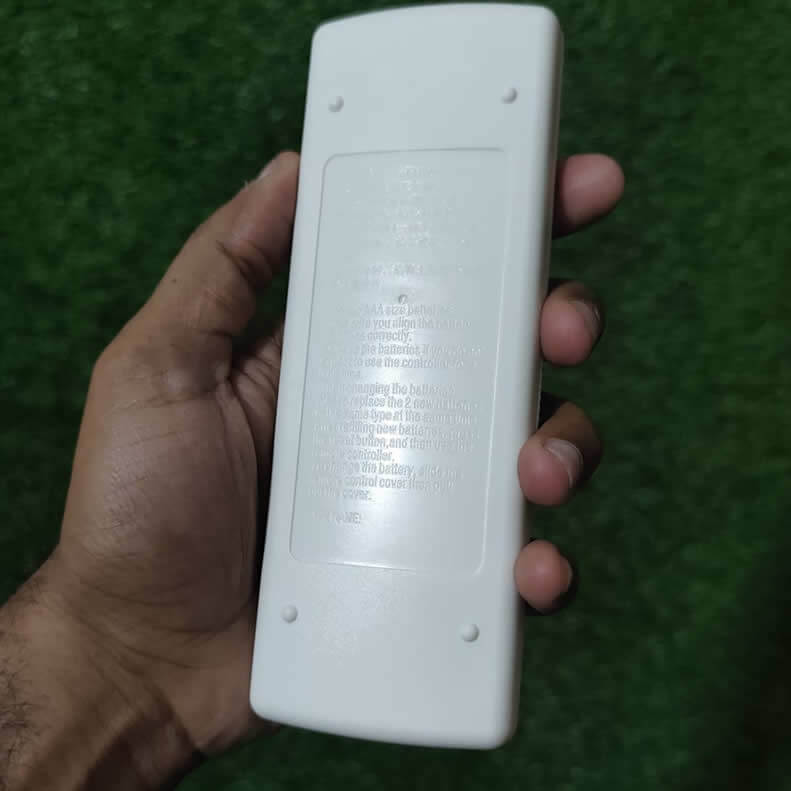
Battery Installation Guide
- Slide and remove the flip cover completely
- Insert two AAA cells
- Match + and – signs with compartment markings
- Place the flip cover back (press gently until it clicks into place)
FAQs
Q1: Does this remote work with other Mitsubishi AC models?
Click Here For Mitsubishi Mr. Slim Remote
Click Here For Mitsubishi Heavy Duty AC Remote
Q2: How do I use the “TOO WARM” and “TOO COOL” buttons? These buttons allow quick fine-tuning of the temperature without entering full settings.
Q3: Can I schedule my AC with this remote? Yes, use the START, STOP, HR, and MIN buttons to set timers.
Q4: What is the ECONO COOL function? It optimizes cooling while reducing energy consumption, ideal for extended use.
Need WhatsApp Support?
Approach Us on WhatsApp @ 0316-4646561

Reviews
There are no reviews yet.