
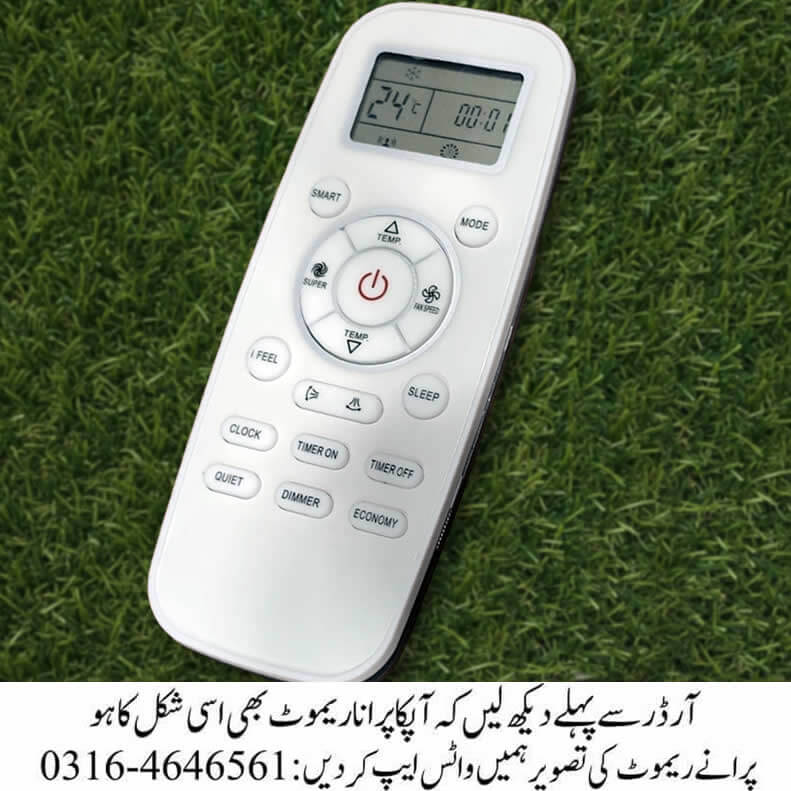
Sleek Control, Smarter Comfort
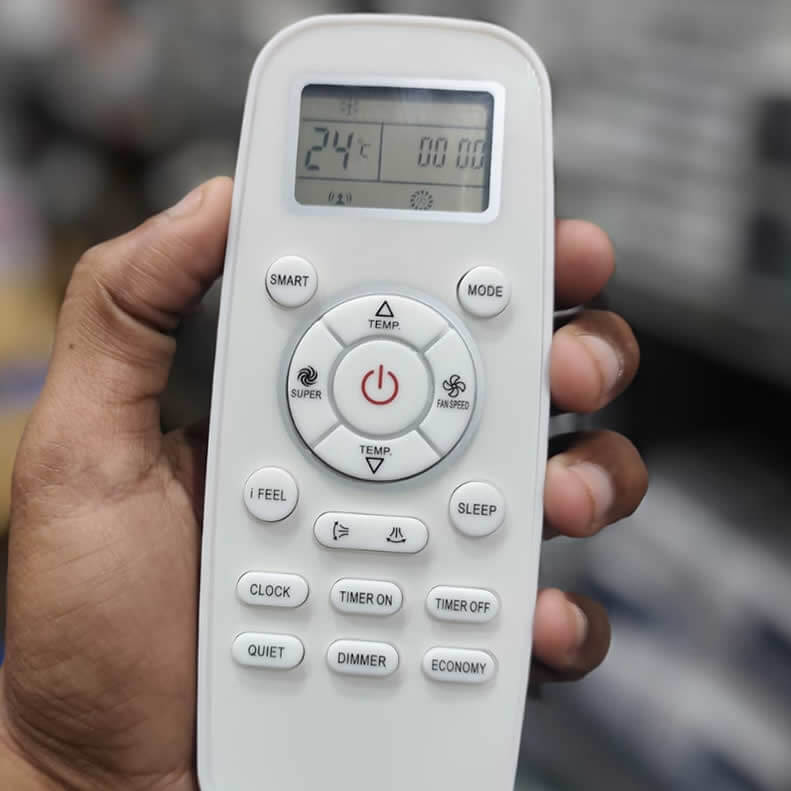
The Enviro EAC18CL AC remote is designed to give you control over your air conditioner. With a clean layout, intuitive buttons, and a clear digital display, it ensures that adjusting your room’s climate feels simple and precise.
Key Features
- Digital Display – Shows temperature, timer, and mode clearly.
- Multiple Modes – Modes like Auto, Cool, Dry and Fan Mode.
- Fan Speed Control – Adjust airflow intensity to your preference.
- Timer Functions – Set Timer On and Timer Off for automated cooling.
- Quiet & Dimmer Settings – Reduce noise and set dimmer for night time use.
Quick Comparison Table
| Feature | Benefit | Best Use Case |
|---|---|---|
| Super Mode | Rapid cooling | Hot summer afternoons |
| Smart Mode | Auto-adjusts settings | Everyday hassle-free comfort |
| Sleep Mode | Gradual temperature adjustment | Nighttime relaxation |
| Economy Mode | Energy-saving operation | Long hours of use |
| Quiet Mode | Reduced fan noise | Study or work environments |
| Dimmer | Dimmer option | Sleeping in dark rooms |
Quick Tips for Best Use
- Set Economy Mode during long hours to save energy.
- Use Sleep Mode at night for uninterrupted rest.
- Keep the remote clean – dust can block sensors.
- Point directly at the AC unit for reliable signal transmission.
- Replace batteries timely to avoid sudden power loss.
Ampere Lock Settings
- First Set The AC To Cool Mode
- 1st Method: Press Economy Button
- 2nd Method: Long Press The Economy Button and There You Can See Percentage Settings, Now Again Press The Button For Detailed Percentage Settings





Reviews
There are no reviews yet.